Weathercam
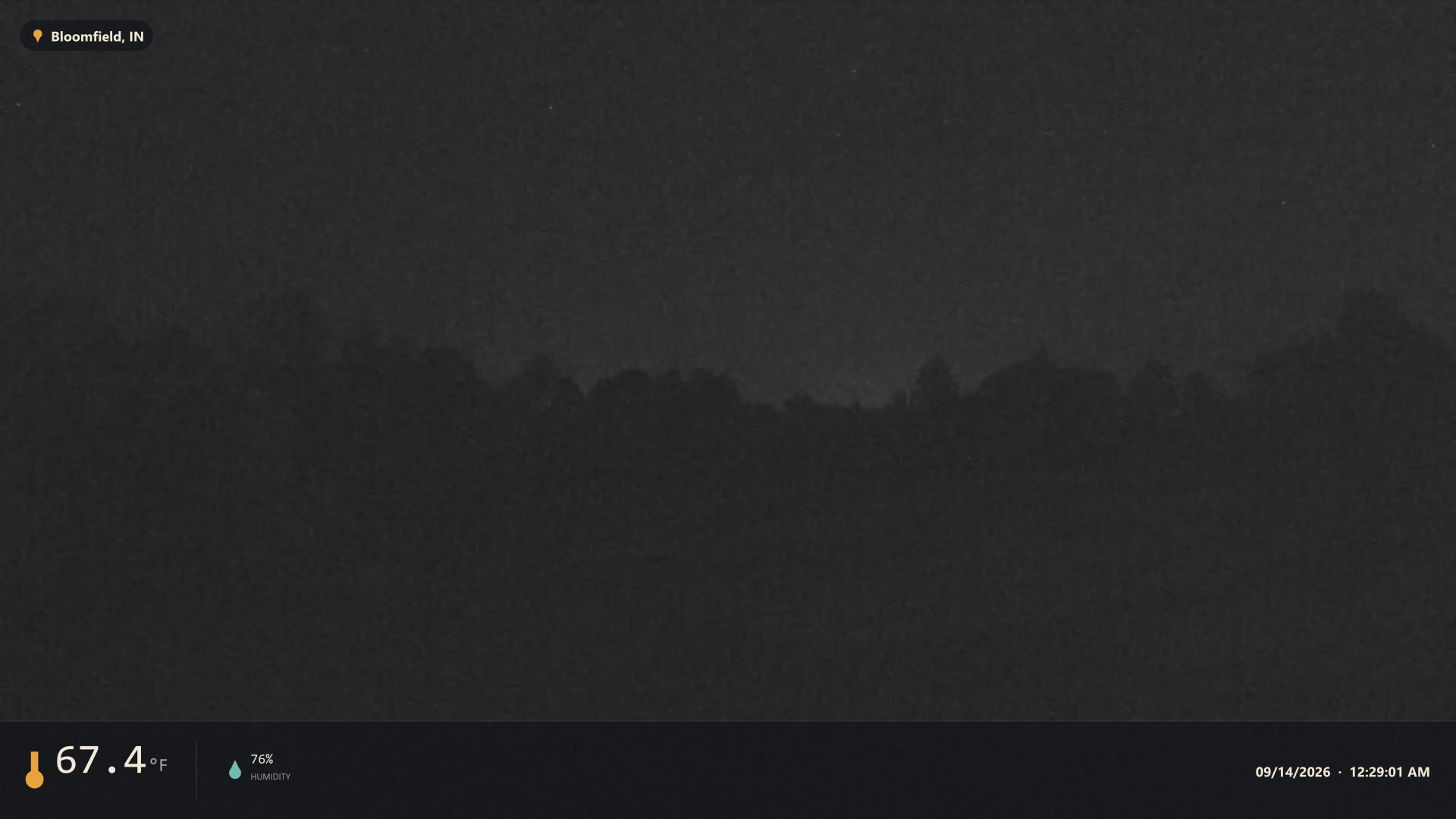 LiveGround West · facing west
Click to enlarge
LiveGround West · facing west
Click to enlarge
The camera looks west across the field from my weather station in Bloomfield, Greene County, Indiana. West is where most of our weather comes from, so storms usually show up here first.
A new picture arrives about once a minute. After dark the camera switches to its black-and-white night mode.
- Bottom left: temperature, humidity and barometric pressure from the station at the moment the picture was taken.
- Bottom center: today's sunrise and sunset, with the sun's position along its arc.
- Top right: solar radiation and UV index.
- Bottom right: the date and time of the picture.
- Across the top: a banner, only when a weather alert is in effect for Greene County.
Moments Theia picked out on its own: the most colorful sunrise and sunset of the day, and lightning it caught at night. Click any picture to enlarge it.
- 1 Camera A Hanwha XNO-9082R network camera streams live video over my home network.
- 2 Theia A Windows PC running Theia watches the stream and grabs a frame once a minute.
- 3 Weather data Theia asks this site for the station's readings at that moment, plus any active alerts.
- 4 Overlay The readings are drawn onto the picture and it's saved as a WebP image.
- 5 Upload The finished picture is sent to the web server, replacing the previous one.
| Camera | Hanwha XNO-9082R |
| Location | Bloomfield, Greene County, Indiana |
| Facing | West |
| Type | Network (IP) camera, RTSP video stream |
| Picture size | 1920 × 1080 |
| Update rate | About once a minute |
| Format | WebP |
| Night | Black-and-white night mode |
The readings on each picture come from the same weather station that feeds the rest of this site, a Davis Vantage Pro2 Plus. The Plus model adds the solar radiation and UV sensors behind the two readings in the picture's top right corner. The station's observations are logged to a database, and a small web service hands Theia the reading closest to the moment each picture was taken, so the numbers on the image match the scene.
Sunrise and sunset come from the site's almanac. The alert banner uses the same National Weather Service alert data as the Watches & Warnings page, filtered to Greene County.
For live readings, see the home page.
Theia is the Windows program I wrote to run the weathercam. It connects to network cameras, shows their live video, takes a snapshot on a schedule, stamps each one with current weather, and uploads it here.
It's built to run unattended: everything it needs is on my own network, and it gets itself going again after a reboot or a dropped connection without anyone touching it.
Theia talks to Home Assistant over the local network using MQTT, the same message broker Home Assistant already uses for other devices. There's nothing to configure on the Home Assistant side: once Theia has the broker's address, each camera appears on its own as a device with all of its sensors and controls.
- Know when something's wrong. An Online sensor turns off if Theia crashes or the PC goes down, and each camera reports when its stream drops or its uploads start failing.
- See the camera on a dashboard. The latest snapshot and the latest highlight show up as pictures.
- Control it from anywhere in the house. Take a snapshot, reconnect a camera, or switch automatic snapshots and lightning capture on and off.
- React to the weather. The active weather alert is a sensor, and every lightning flash Theia captures fires an event, so either can trigger a notification, a light, or anything else Home Assistant can do.
- Stays local. No cloud account and nothing leaves the network.
Watch up to four cameras side by side. Theia remembers the layout and which camera was in each tile.
Each camera captures on its own timer, every one to five minutes, as PNG, JPEG or WebP. File names and the time zone they're stamped in are set per camera.
Temperature, humidity, pressure, solar radiation, UV, sun times, location and timestamp, each one optional, in your choice of units and accent color.
Conditions and alerts can come straight from the National Weather Service for the camera's location, or from your own station's web service, as they do here.
Every snapshot can be sent to a web server by FTP under a fixed file name, so a web page always finds the newest picture in the same place.
Starts with Windows, reconnects the cameras that were running, and keeps retrying a lost stream until it comes back. Capture and upload resume by themselves.
Around sunrise and sunset, every snapshot is scored for sky color and the most colorful one is kept as that day's pick.
After dark, Theia watches the live video for flashes and saves a full-size frame of each one.
A built-in log, filterable by severity and by camera, shows what happened and when if a camera or upload misbehaves.